[ python中使用文心义言 ]
发表评论
155 views
作者文章归档:陈海峰
注册
pip install dashscope
配置环境变量
export DASHSCOPE_API_KEY=YOUR_DASHSCOPE_API_KEY
运行
import random
from http import HTTPStatus
import dashscope


dashscope.api_key = "sk-4607ca0bb63d4646b8aeaca909091a9f"

def call_with_messages():
    messages = [{&qu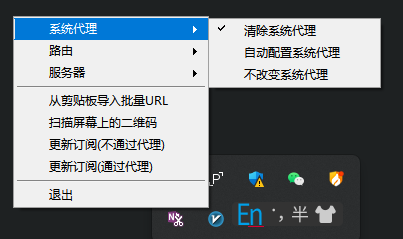
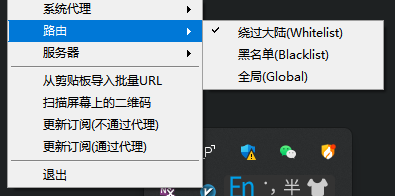
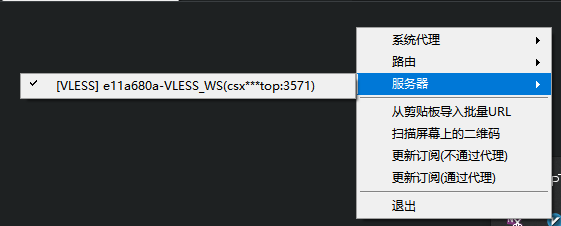
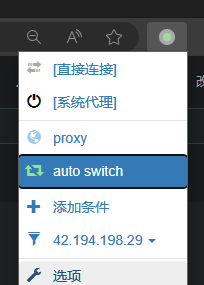
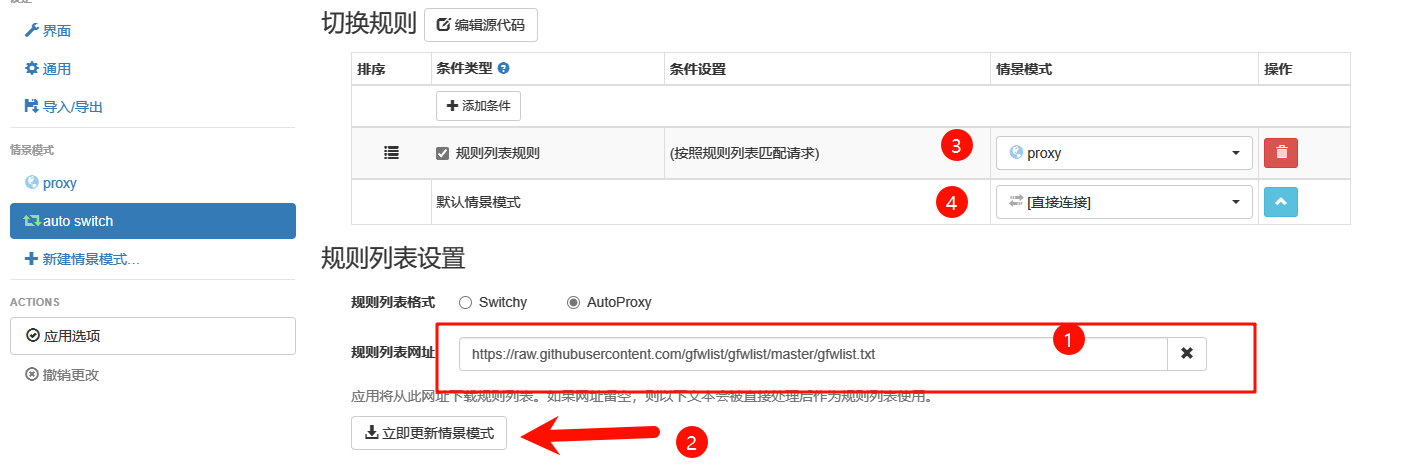
立即更新情景模式时,需要开启全局模式, 上外网才行
https://raw.githubusercontent.com/gfwlist/gfwlist/master/gfwlist.txt
linux科学上网web版本 会在本地启动一个端口2017来访问页面配置vpn
安装-wget这个zip下载符合自己电脑的版本
wget https://github.com/v2fly/v2ray-core/releases/latest/download/v2ray-linux-64.zip
unzip v2ray-linux-64.zip -d ./v2ray
mkdir -p /usr/local/share/v21.解压rar文件后

2.进入需要使用的方法(当前使用的是3号方法到2025年)
3.复制jetbra文件夹到一个全英文路径的目录下, 随后进入,执行文件夹scripts内的
sudo bash install.sh

-ja异常提示消息
Broadcast message from Debian-gdm@debian on tty1 (Tue 2024-02-27 10:47:42 CST): The system will suspend now!
vi /etc/systemd/sleep.conf
#  This file is part of systemd.
#
#  systemd is free software; you can redistribute it and/or modify it under the
# terms of thebash xxxx.deb
中途选择安装路径
su

cd

cat .bashrc

source .bashrc

复制conda init 内容到需要用到conda的用户那个 .bashrc文件
再执行source .bashrc更新即可
debian系统普通用户使用docker
在Debian系统中,为了让普通用户使用Docker,你需要执行以下步骤:
安装Docker:
sudo apt update
sudo apt install docker.io
将用户添加到docker组:
sudo usermod -aG docker your-username
将your-username替换为实际的用户名。
重新登录或重启以确保用户组更改生效。
验证Docker安装:
docker run hello-world
这个命令会下载一个小型的测试镜像,并运行一个容器来确认Docker是否正确安装。
现在,该用户应该能
# Add Docker's official GPG key:
sudo apt-get update
sudo apt-get install ca-certificates curl
sudo install -m 0755 -d /etc/apt/keyrings
sudo curl -fsSL https://download.docker.com/linux/debian/gpg -o /etc/apt/keyrings/docker.asc
sudo chmod a+r /etc/apt/keyrings/docker.asc

# Add the reposito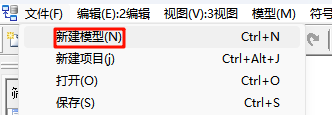
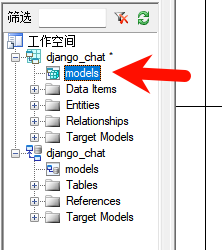 -

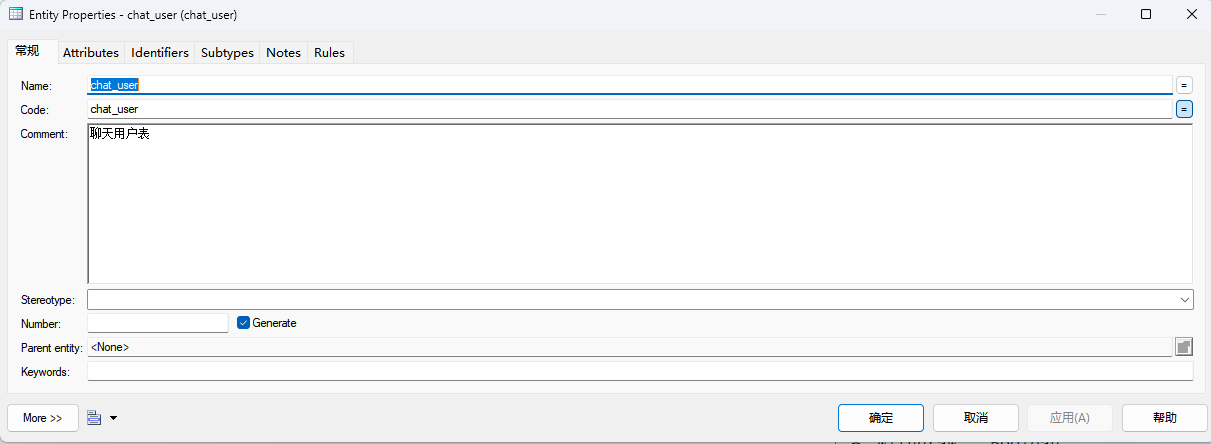 -
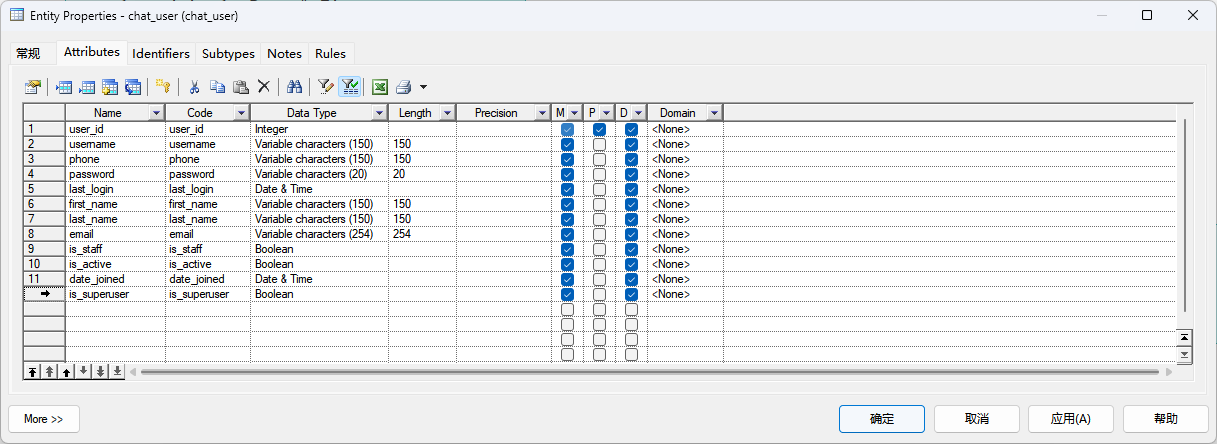

 -