debian官方网站
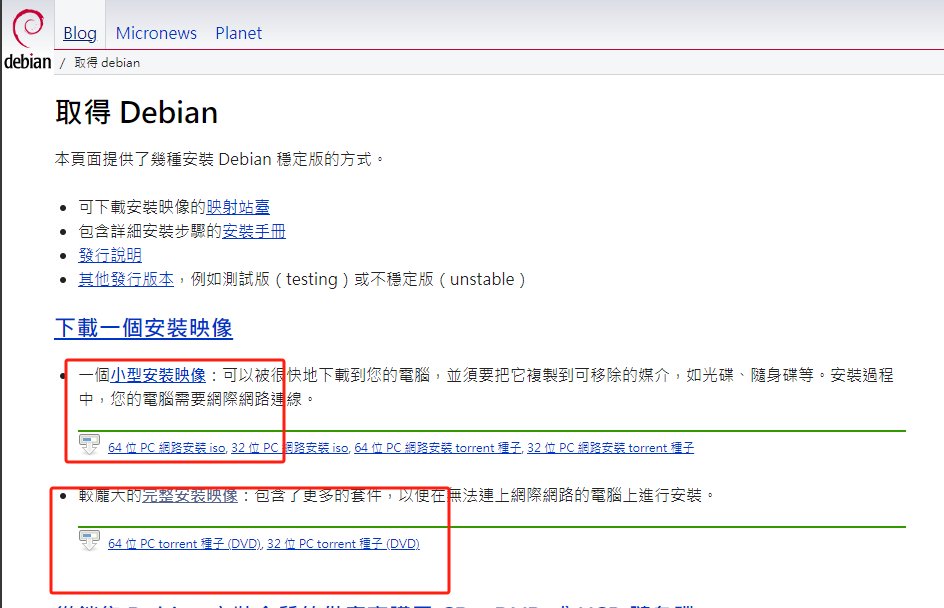
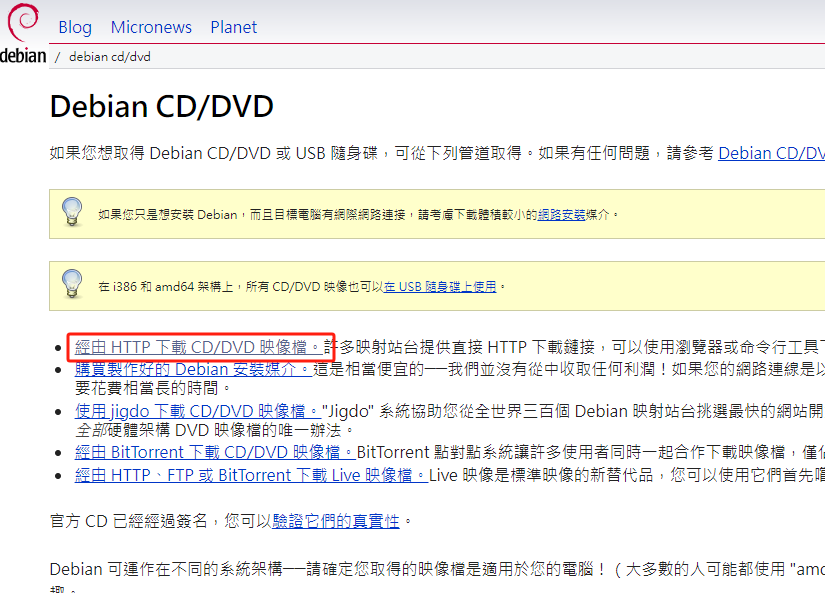
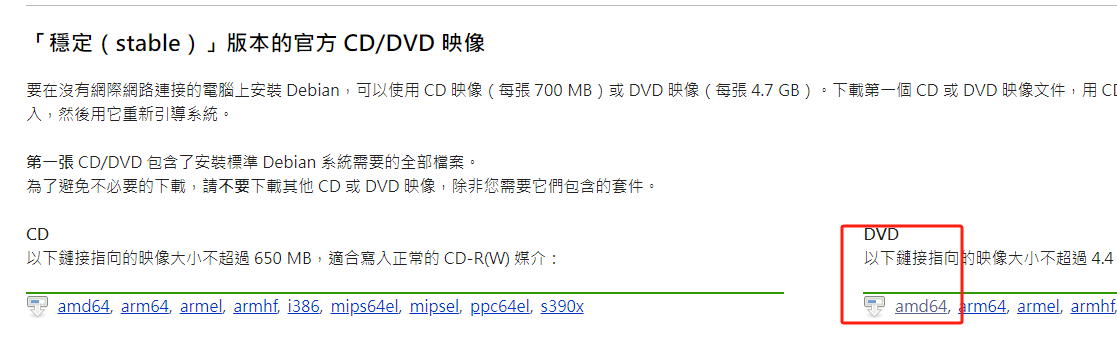

工作中用到的debian稳定版本
(base) chf@chf:~$ cat /proc/version
Linux version 6.1.0-25-amd64 (debian-kernel@lists.debian.org) (gcc-12 (Debian 12.2.0-14) 12.2.0, GNU ld (GNU Binutils for Debian) 2.40) #1 SMP PREEMPT_DYNAMIC Debian 6.1.106-3 (2024-08-26)
安装完成系统后
1. sudo设置权限
# 登陆超级管理员
su
xxxxxx

vi /etc/sudoers
编辑里面的内容
在%sudo xxx下面复制一行, 把%sudo 改成需要使用到的用户 chf
2. 修改apt源(中科大)
vi /etc/apt/sources.list
deb https://mirrors.ustc.edu.cn/debian/ bookworm main non-free non-free-firmware contrib
deb-src https://mirrors.ustc.edu.cn/debian/ bookworm main non-free non-free-firmware contrib
deb https://mirrors.ustc.edu.cn/debian-security/ bookworm-security main
deb-src https://mirrors.ustc.edu.cn/debian-security/ bookworm-security main
deb https://mirrors.ustc.edu.cn/debian/ bookworm-updates main non-free non-free-firmware contrib
deb-src https://mirrors.ustc.edu.cn/debian/ bookworm-updates main non-free non-free-firmware contrib
deb https://mirrors.ustc.edu.cn/debian/ bookworm-backports main non-free non-free-firmware contrib
deb-src https://mirrors.ustc.edu.cn/debian/ bookworm-backports main non-free non-free-firmware contrib
3. 更新apt
apt update
