分类目录归档:debian

[ debian12开启samba共享文件夹 ]


samba安装 root用户下直接使用以下命令

apt-get install samba 1 若是普通用户下使用以下命令

sudo apt-get install samba 1 samba配置 samba的配置文件在/etc/samba/路径下,文件名为smb.conf,注意需要root用户权限才能编辑该文件,我是用root用户下使用vim进行编辑修改的。 在文件末尾添加以下内容

[test] comment = samba test path = /home/d/share //共享文件路径 browseable = yes read only = no
< Read more >

[ debian共享文件夹设置 ]


一.在debian12挂载windows的共享文件夹

参考阿里云文档

sudo apt-get install samba

sudo apt-get install smbclient

sudo apt-get install cifs-utils

1. 手动挂载

  1. 先获取主机那边所有能挂载的文件夹
smbclient -L 192.168.1.108 
  1. 再从文件夹里选择 cifs //ip/xxx
sudo mount -t cifs //192.168.8.105/HHS /home/samba

2.永久挂载

vim /etc/fstab

最后添加
//192.16

< Read more >

[ debian安装v2raya-web科学上网 ]


linux科学上网web版本 会在本地启动一个端口2017来访问页面配置vpn

安装方法

一.请自己查看v2raya安装文档:有很多种

二.这里只介绍这一种安装方法:(下载deb安装包到debian系统安装)

1. 下载v2ray-core.deb文件

安装-wget这个zip下载符合自己电脑的版本
wget https://github.com/v2fly/v2ray-core/releases/latest/download/v2ray-linux-64.zip
unzip v2ray-linux-64.zip -d ./v2ray
mkdir -p /usr/local/share/v2

< Read more >

[ debian[休眠修改] ]


修改debian休眠,导致ssh断连问题

异常提示消息

Broadcast message from Debian-gdm@debian on tty1 (Tue 2024-02-27 10:47:42 CST):  The system will suspend now!

解决

vi /etc/systemd/sleep.conf

#  This file is part of systemd.
#
#  systemd is free software; you can redistribute it and/or modify it under the
#  terms of the

< Read more >

[ debian12让普通用户使用docker ]


debian系统普通用户使用docker

在Debian系统中,为了让普通用户使用Docker,你需要执行以下步骤:

安装Docker:

sudo apt update
sudo apt install docker.io

将用户添加到docker组:

sudo usermod -aG docker your-username

将your-username替换为实际的用户名。

重新登录或重启以确保用户组更改生效。

验证Docker安装:

docker run hello-world

这个命令会下载一个小型的测试镜像,并运行一个容器来确认Docker是否正确安装。

现在,该用户应该能

< Read more >

[ debian12安装docker ]


配置

# Add Docker's official GPG key:
sudo apt-get update
sudo apt-get install ca-certificates curl
sudo install -m 0755 -d /etc/apt/keyrings
sudo curl -fsSL https://download.docker.com/linux/debian/gpg -o /etc/apt/keyrings/docker.asc
sudo chmod a+r /etc/apt/keyrings/docker.asc

# Add the reposito

< Read more >

[ debian12安装完成系统后设置国内镜像源 ]


1. 安装完成系统后设置国内镜像源

您可以使用以下列表中的任何一个源镜像只要往您的 /etc/apt/sources.list 文件中像下面这样添加一行:

# 关键
deb http://ftp.de.debian.org/debian sid main 

deb https://mirrors.tuna.tsinghua.edu.cn/debian/ bookworm main contrib non-free non-free-firmware
# deb-src https://mirrors.tuna.tsinghua.edu.cn/debian/ bookworm main con

< Read more >

[ debian下载和基础配置 ]


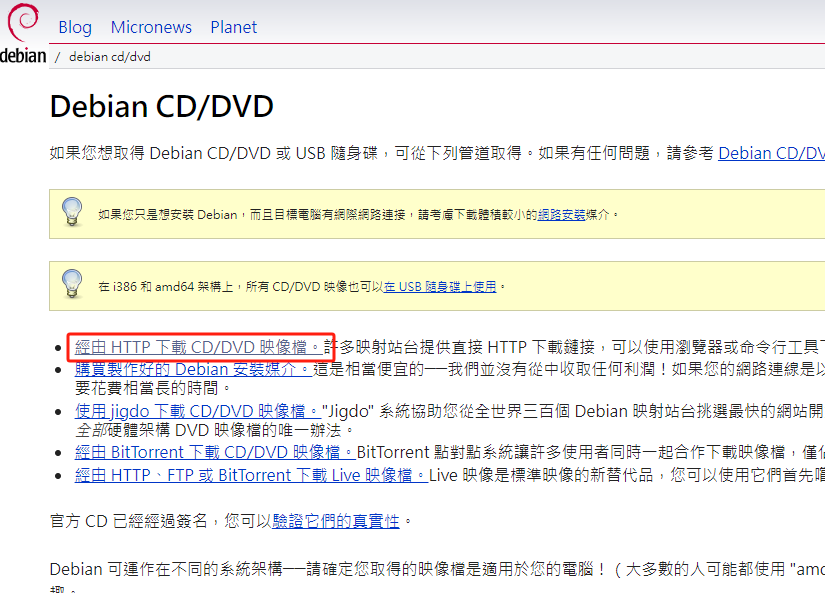
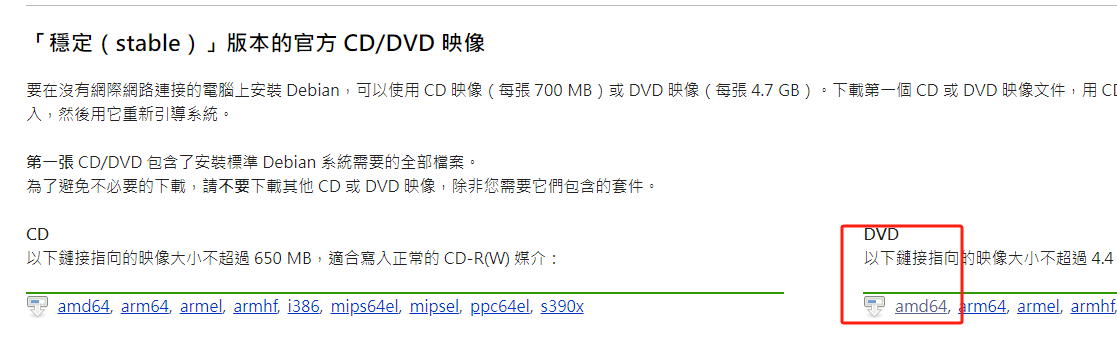
debian官方网站

工作中用到的debian稳定版本

(base) chf@chf:~$ cat /proc/version 
Linux version 6.1.0-25-amd64 (debian-kernel@lists.debian.org) (gcc-12 (Debian 12.2.0-14) 12.2.0, GNU ld (GNU Binutils for Debian) 2.40) #1 SMP PREEMPT_DYNAMIC Debian 6.1.106-3 (2024-08-26)

安装完成系统后

1. sudo设置权限

# 登陆超级管理员
su 
xxxxxx

< Read more >