[ debian12安装docker ]


配置

# Add Docker's official GPG key:
sudo apt-get update
sudo apt-get install ca-certificates curl
sudo install -m 0755 -d /etc/apt/keyrings
sudo curl -fsSL https://download.docker.com/linux/debian/gpg -o /etc/apt/keyrings/docker.asc
sudo chmod a+r /etc/apt/keyrings/docker.asc

# Add the reposito
< Read more >

[ debian12安装完成系统后设置国内镜像源 ]


1. 安装完成系统后设置国内镜像源

您可以使用以下列表中的任何一个源镜像只要往您的 /etc/apt/sources.list 文件中像下面这样添加一行:

# 关键
deb http://ftp.de.debian.org/debian sid main 

deb https://mirrors.tuna.tsinghua.edu.cn/debian/ bookworm main contrib non-free non-free-firmware
# deb-src https://mirrors.tuna.tsinghua.edu.cn/debian/ bookworm main con

< Read more >

[ cews项目 ]


local测试 dockerfile

解决下载慢问题

# define an alias for the specific python version used in this file.
FROM python:3.11.3-slim-bullseye as python

# Python build stage
FROM python as python-build-stage

ARG BUILD_ENVIRONMENT=local

RUN  sed -i s@/archive.ubuntu.com/@/mirrors.aliyun.com/@g /etc/apt/sources.

< Read more >

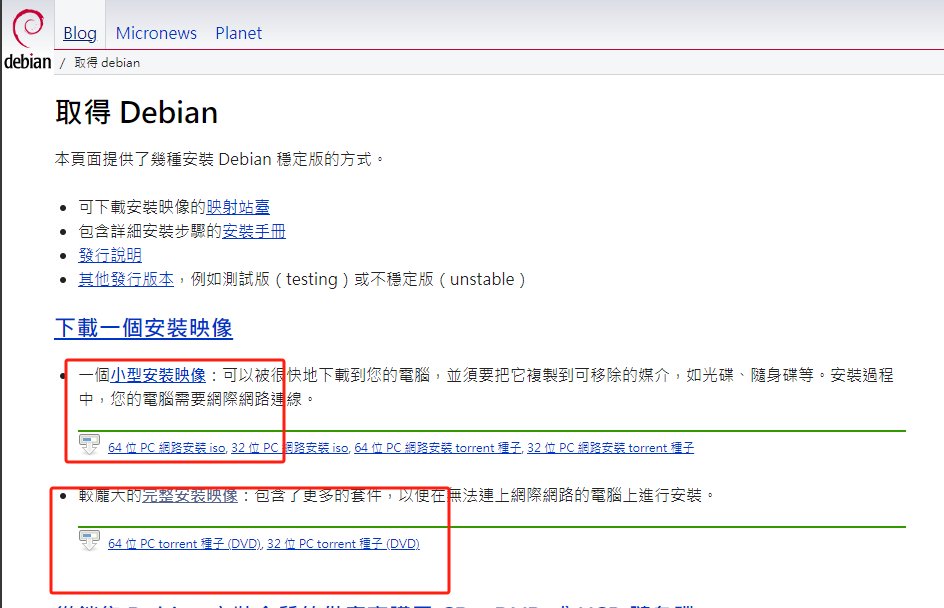
[ debian下载和基础配置 ]


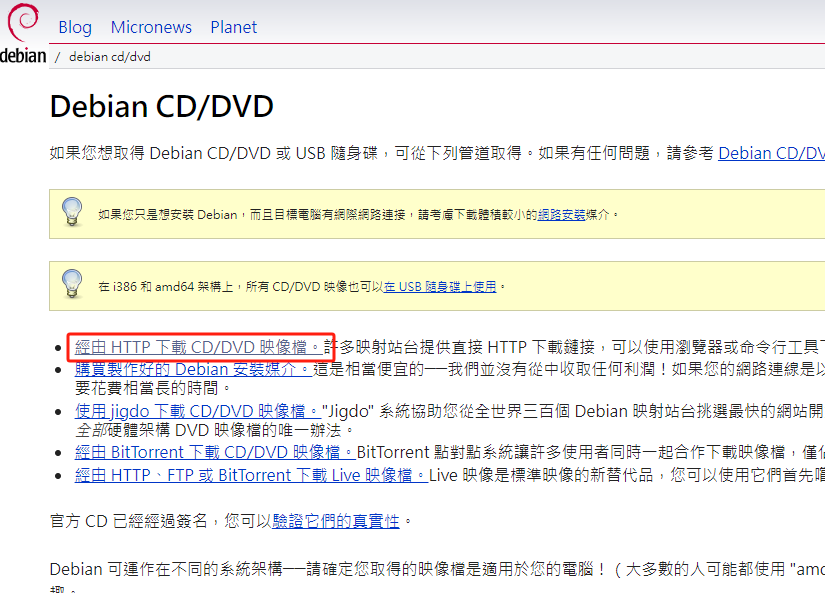
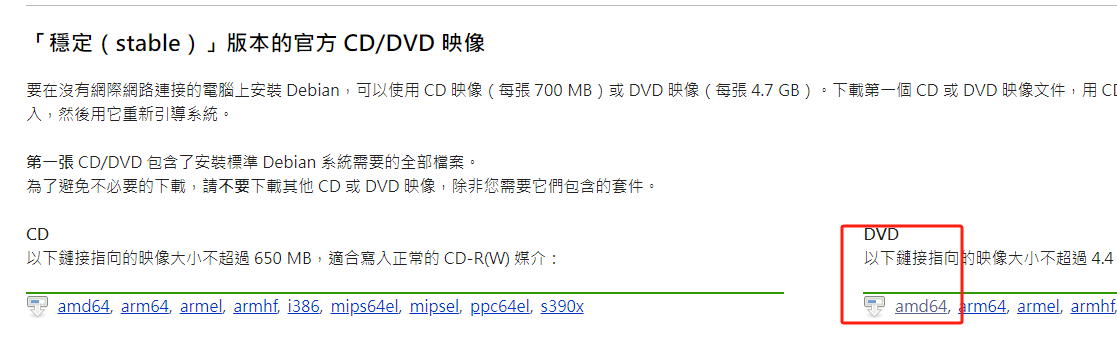
debian官方网站

工作中用到的debian稳定版本

(base) chf@chf:~$ cat /proc/version 
Linux version 6.1.0-25-amd64 (debian-kernel@lists.debian.org) (gcc-12 (Debian 12.2.0-14) 12.2.0, GNU ld (GNU Binutils for Debian) 2.40) #1 SMP PREEMPT_DYNAMIC Debian 6.1.106-3 (2024-08-26)

安装完成系统后

1. sudo设置权限

# 登陆超级管理员
su 
xxxxxx

< Read more >

[ docker私有仓库[registry] ]


使用docker安装私有仓库[registry]

  1. 拉取镜像
docker pull registry
  1. 运行镜像(可能需要挂载镜像)
# docker run -d -p 5000:5000 --restart always --name registry registry
  1. 需要在拉取镜像的docker服务器配置以防止http不允许上传和下载

修改docker配置文件

vim /etc/docker/daemon.json

修改内容insecure-registries为

{
        "registry-mirrors": [
        

< Read more >

[ jenkins安装 ]


使用docker compose 安装jenkins

debian官方安装文档

docker-compose.yml - Dhudson.security.csrf.GlobalCrumbIssuerConfiguration.DISABLE_CSRF_PROTECTION=true这里的作用的安装ssh插件时不进行csrf认证 - 需要给Local的jenkins_home设置 chown -R 1000 ./jenkins_home

version: '3'
services:
  jenkins:
    image: jenkins/jenkins
    ports:

< Read more >
